My Real Video
+3520
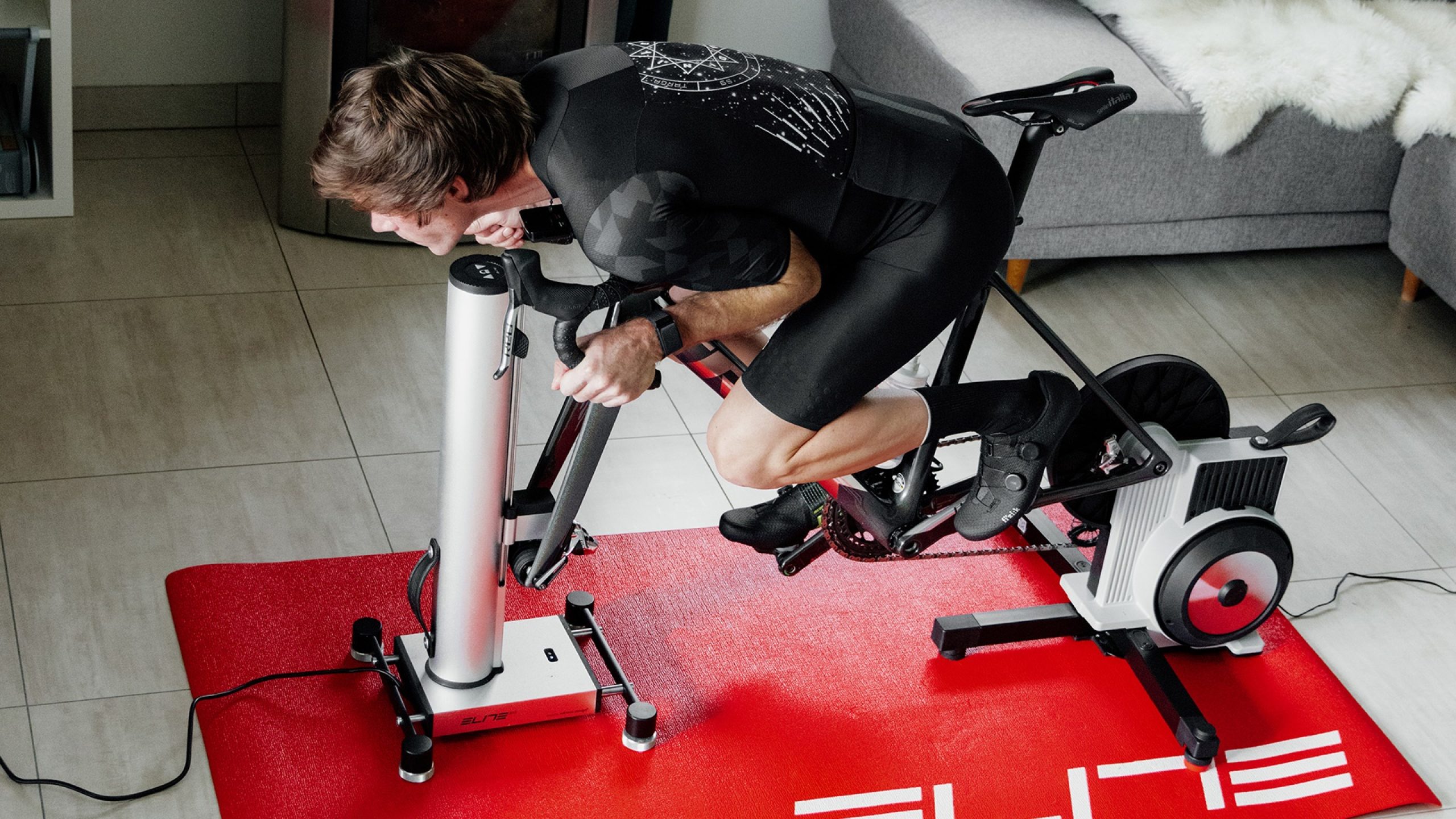
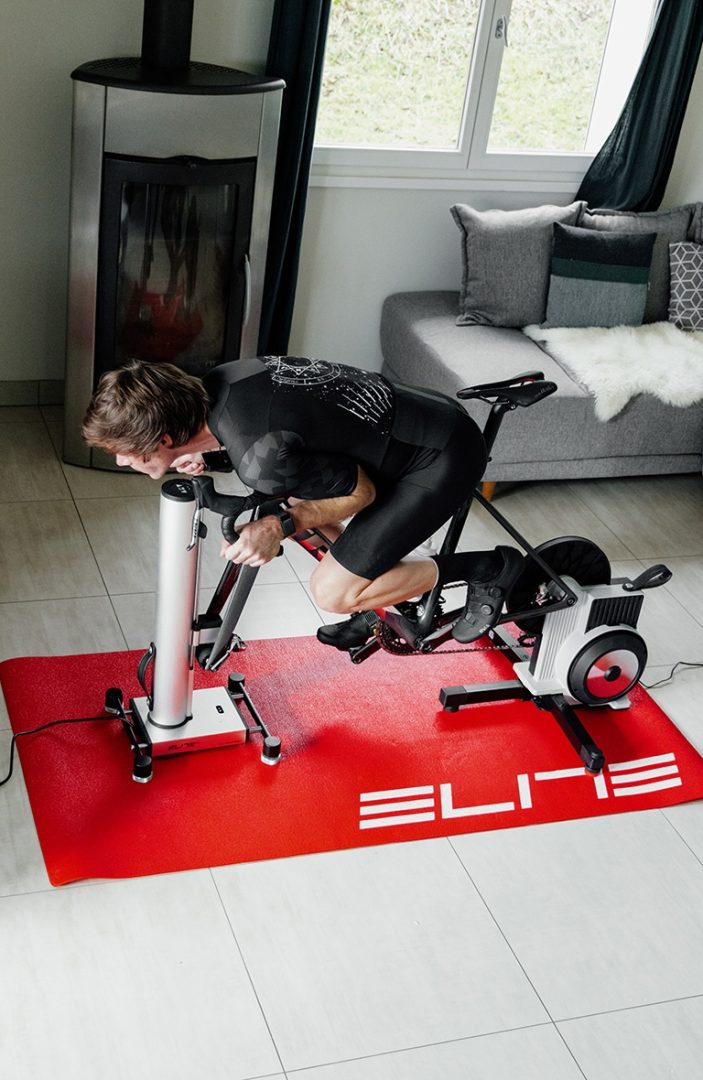
Turn every ride into a personalized workout.
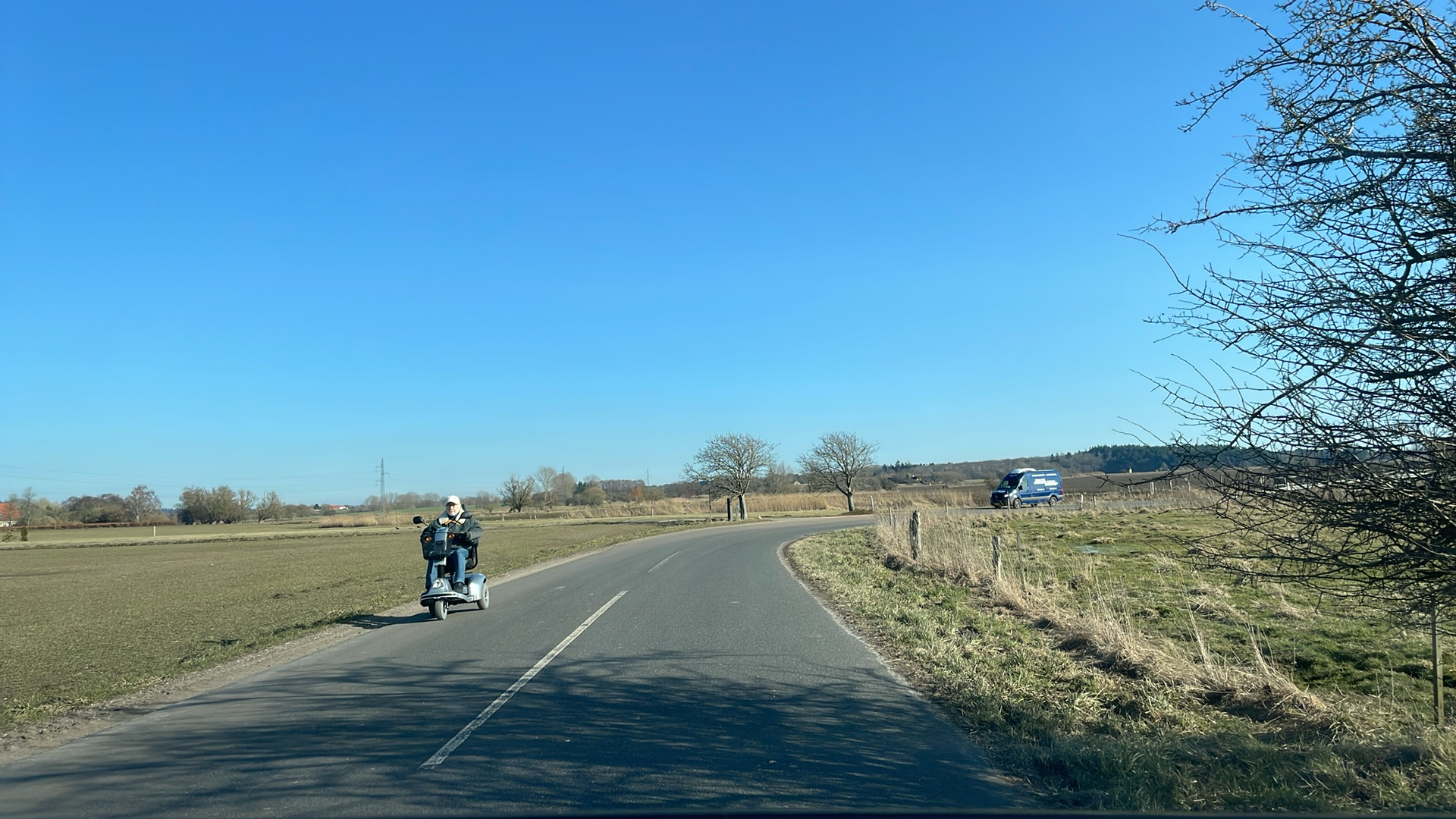
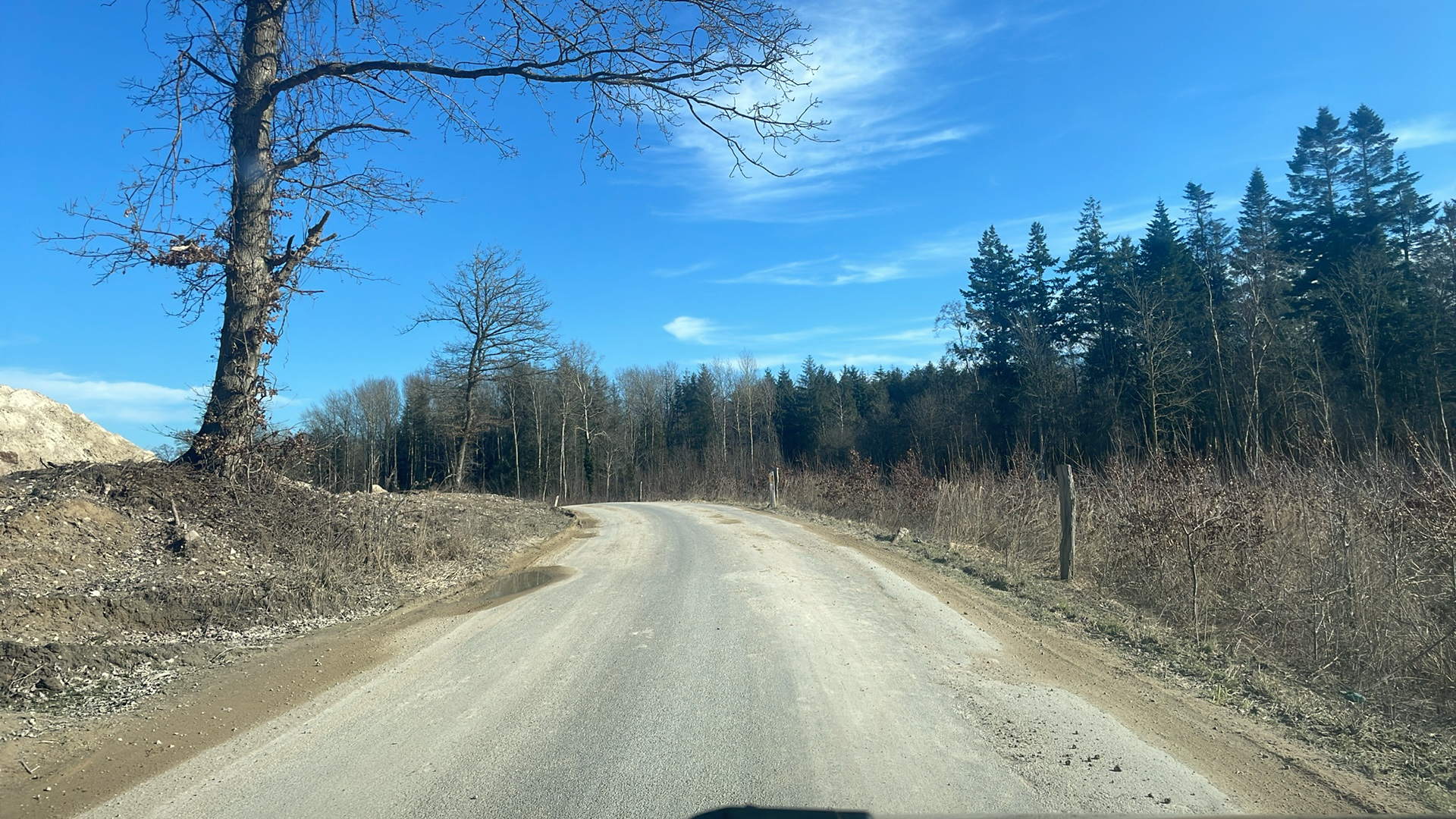
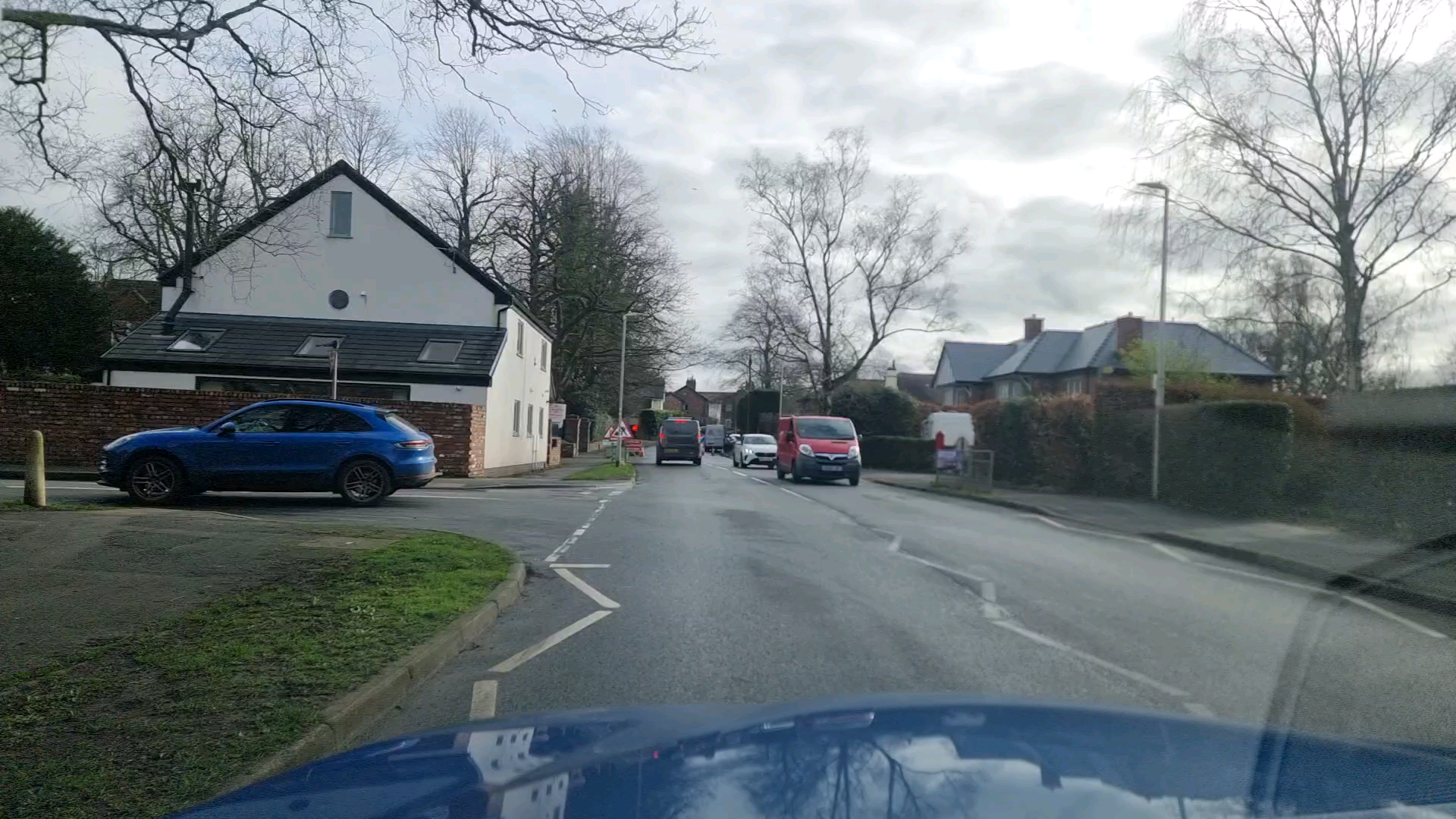
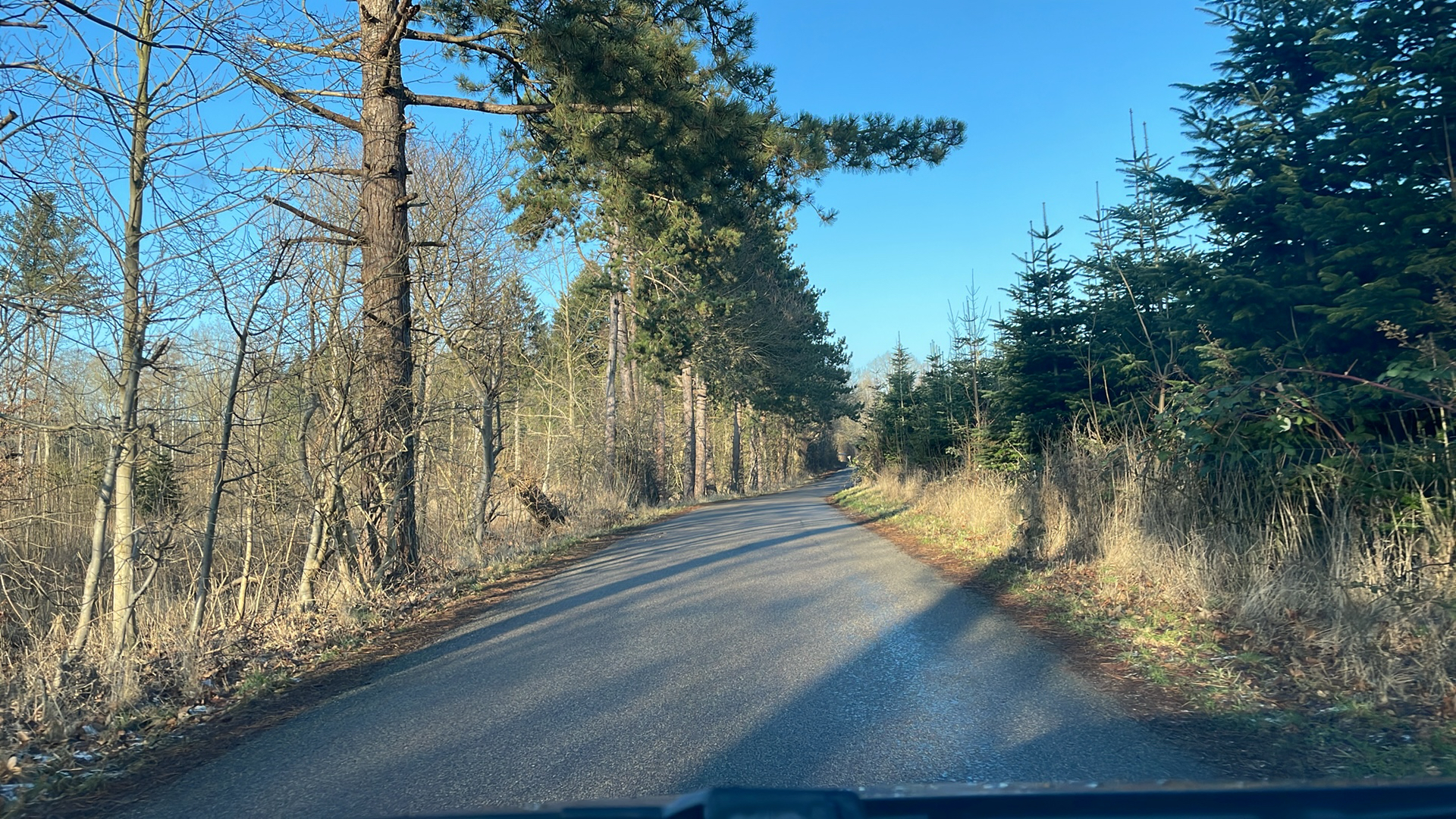
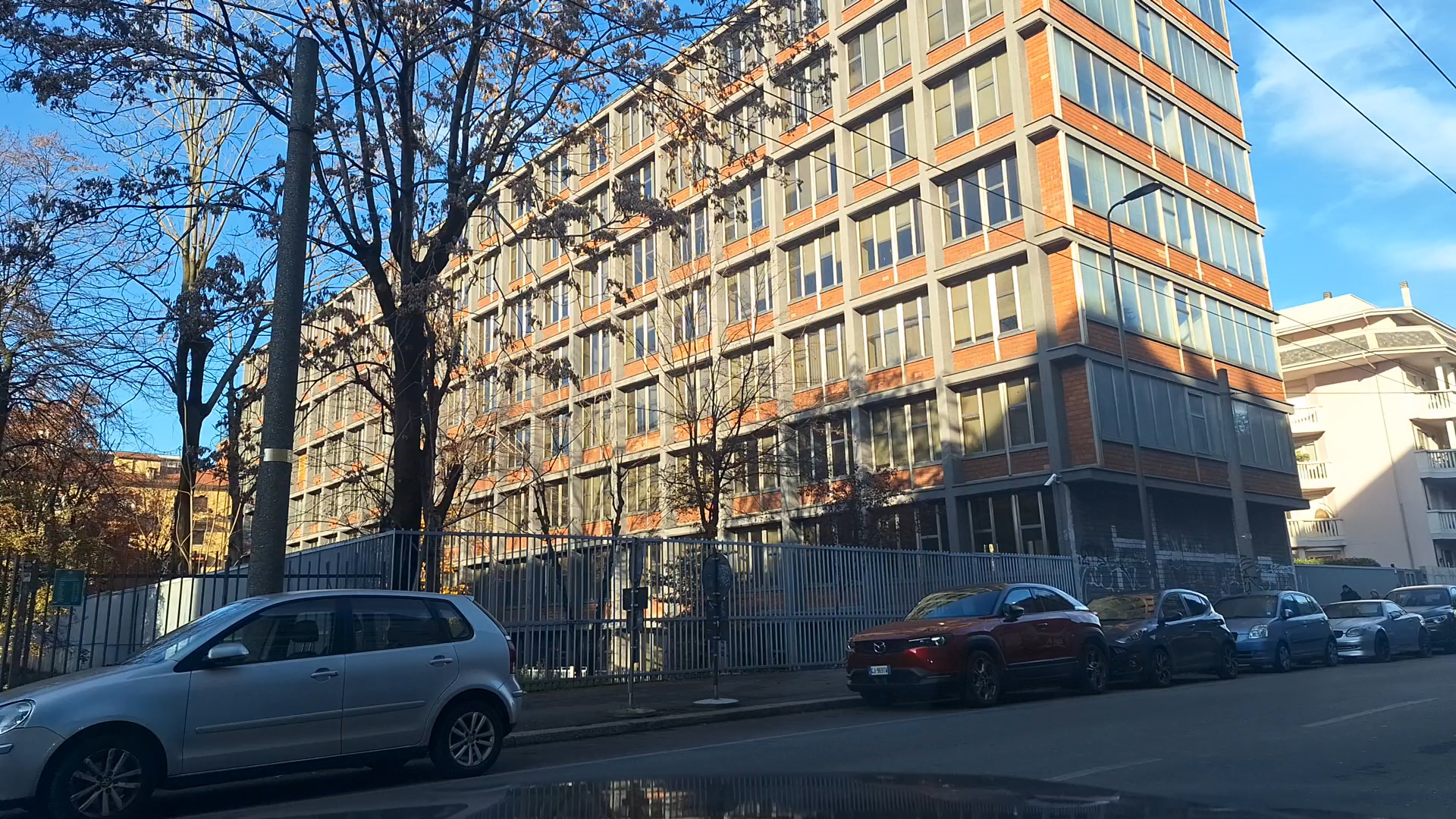
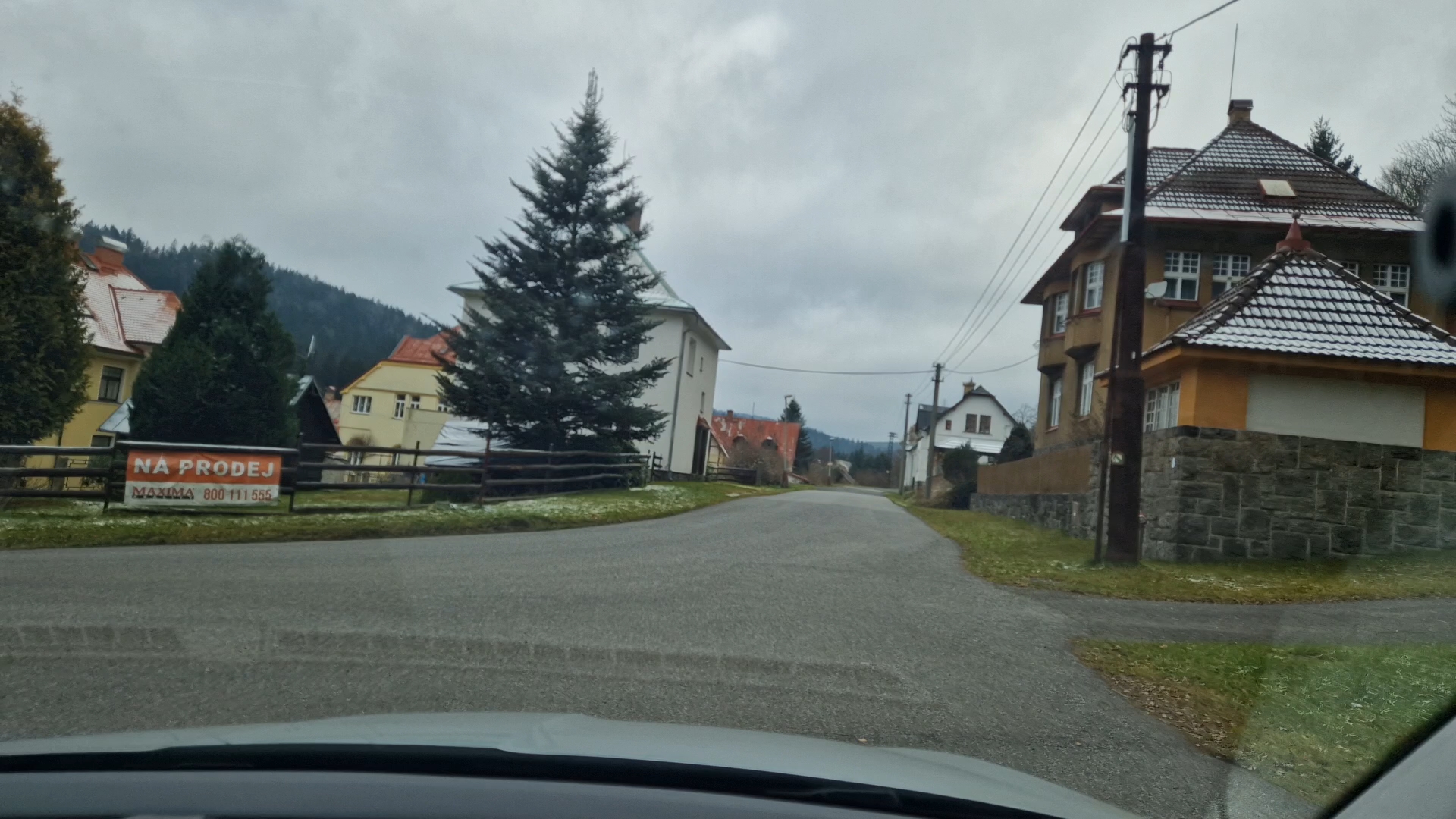
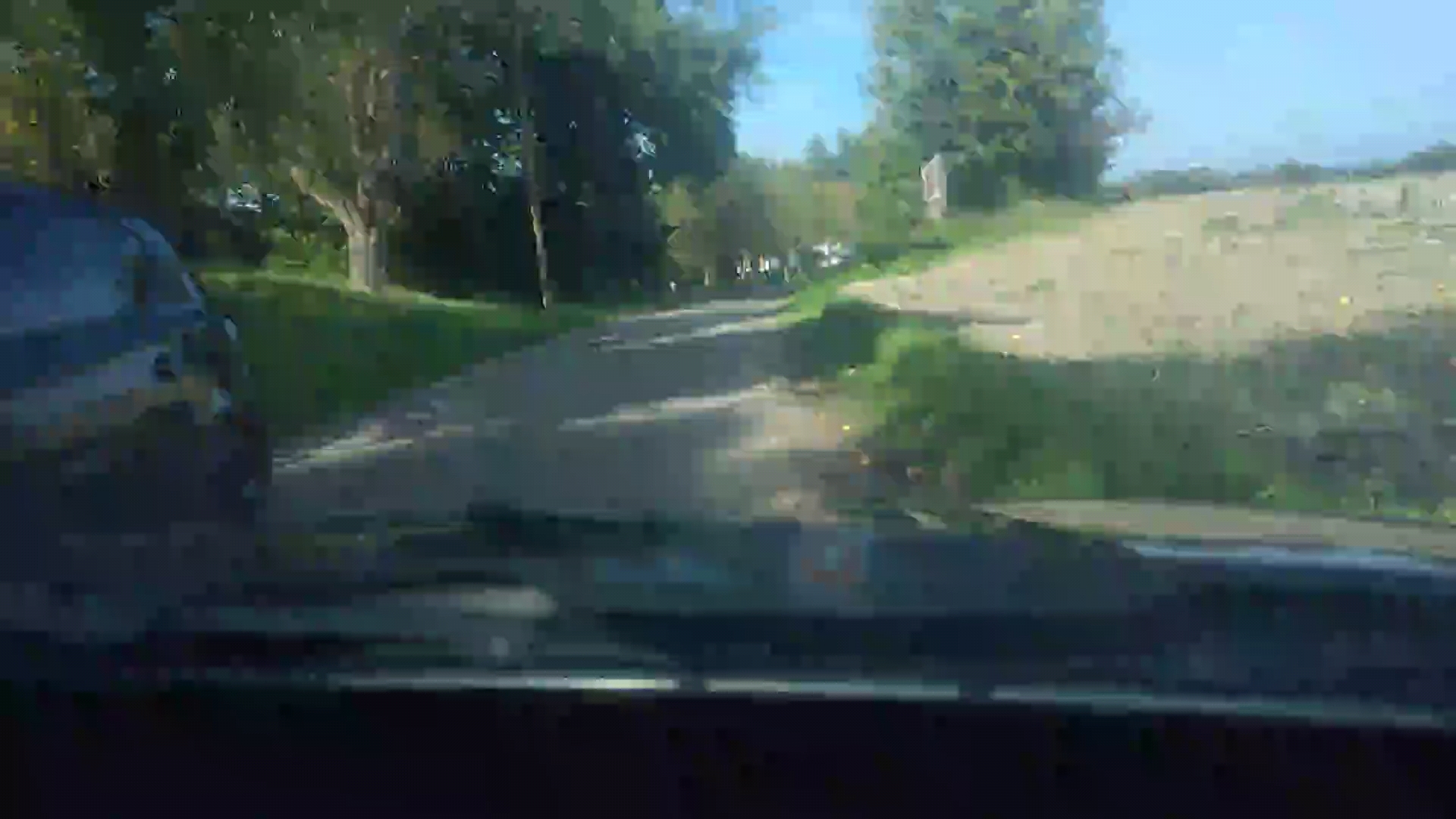
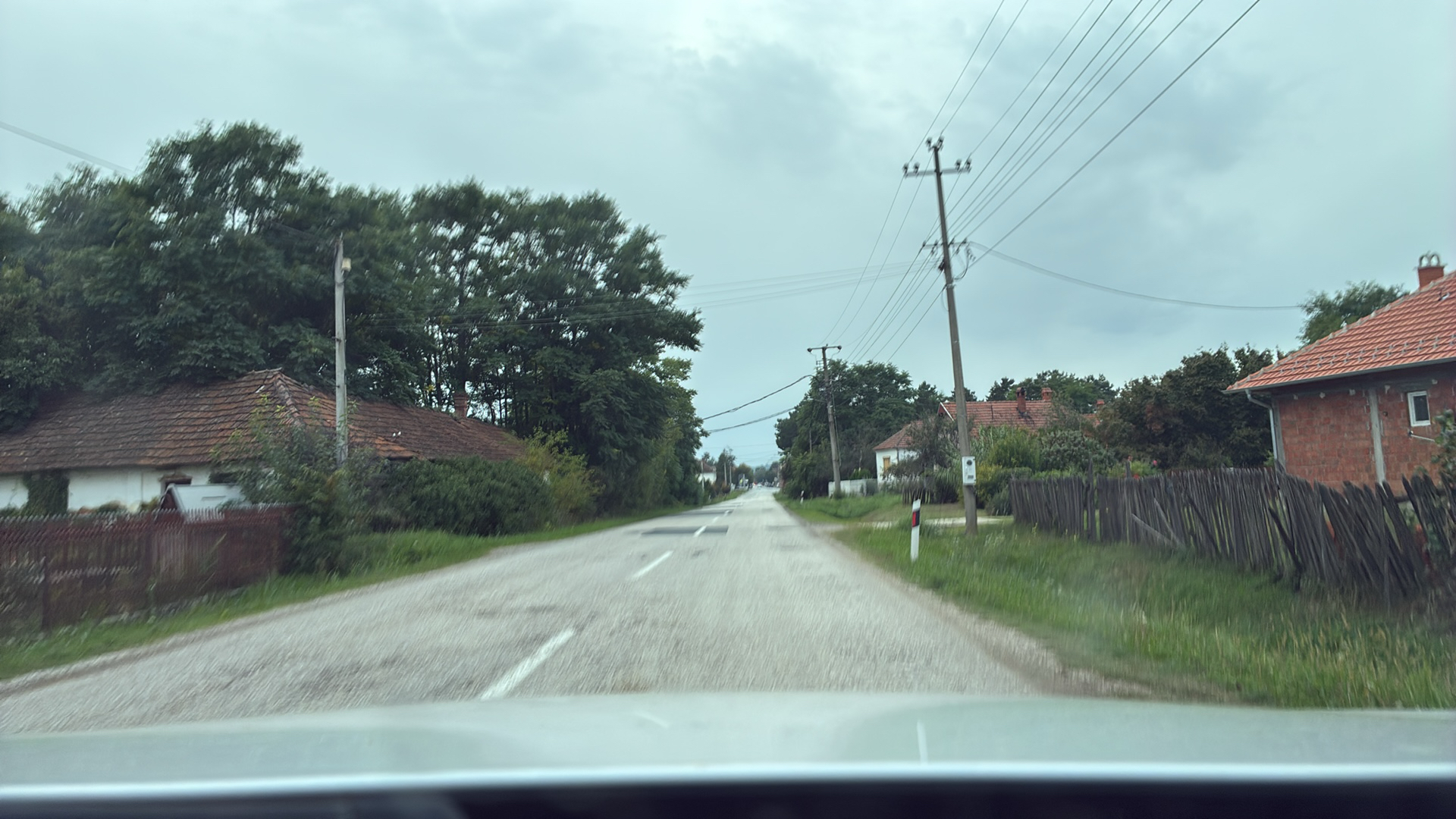
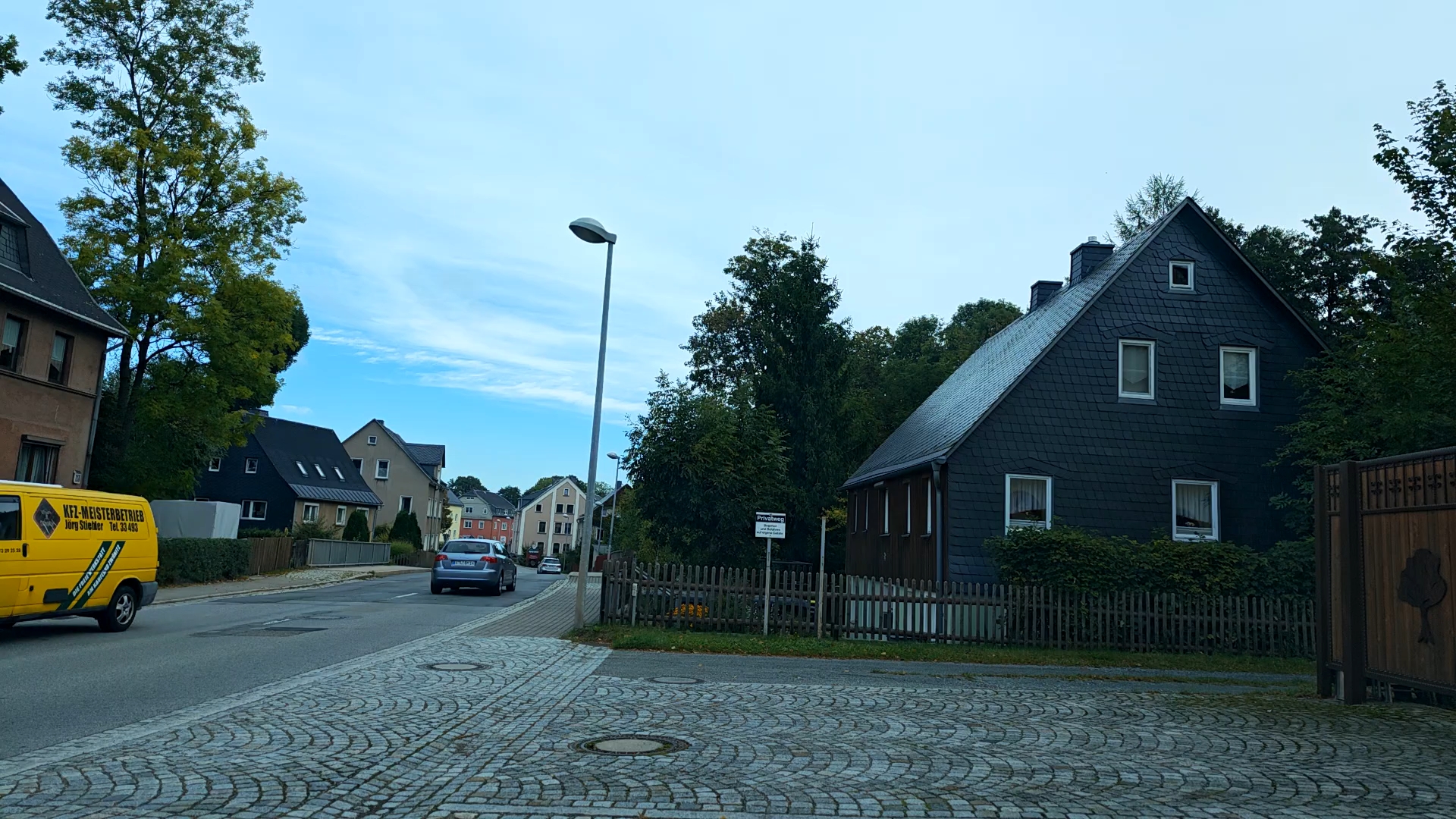
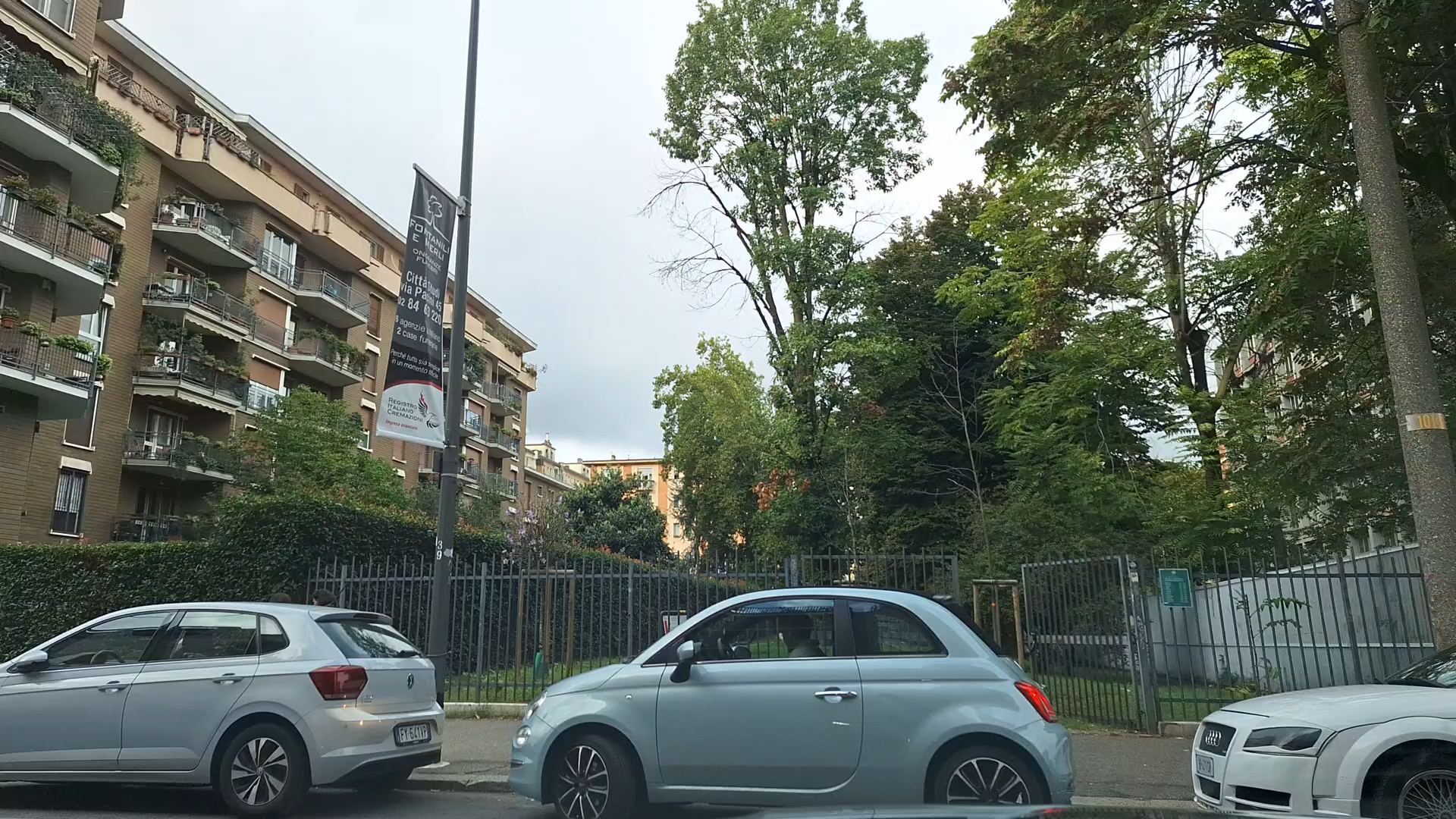
My Real Video is the My E-Training feature that lets you train on the routes you actually rode.
Record your ride with a GPS device, upload it to the app, and your Elite smart trainer will simulate gradients and elevation in real time to deliver a realistic, immersive workout inspired by your best outdoor rides.
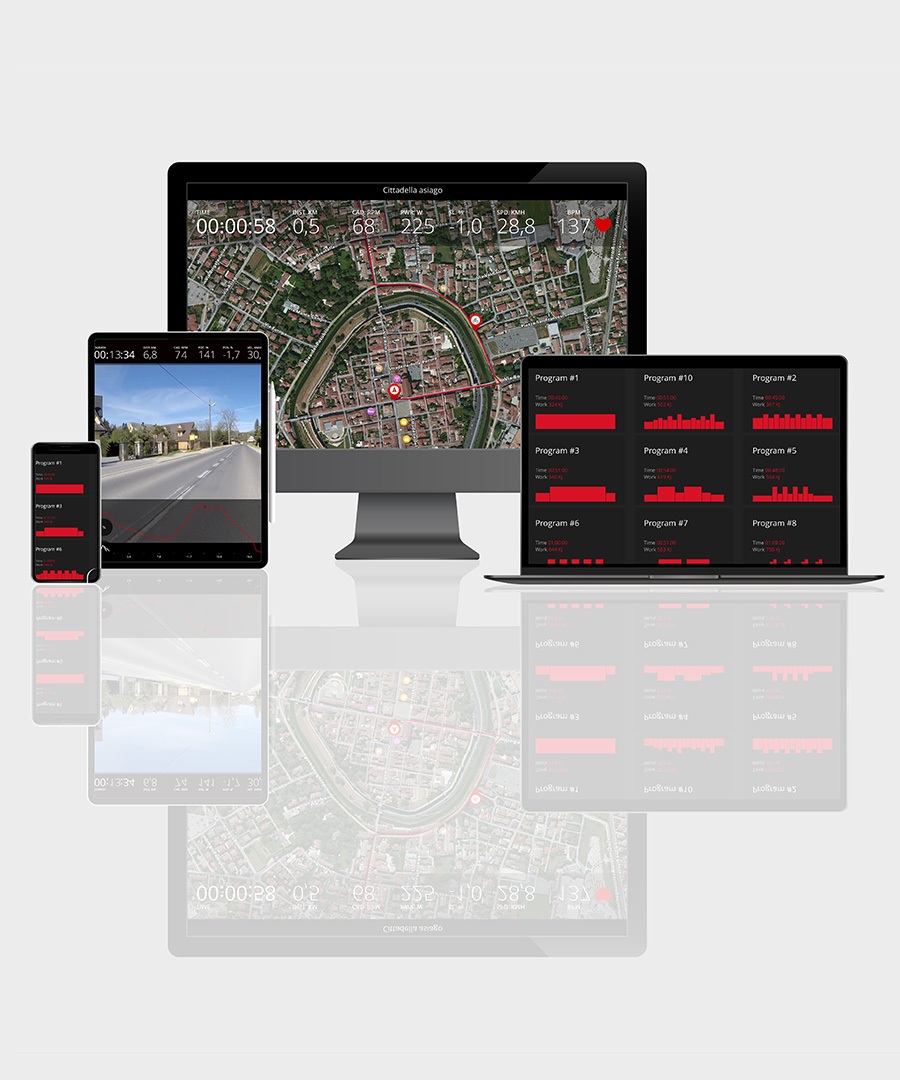
Open My E-Training and go to My Real Video to find the routes you recorded with the My Real Video app. Select a video route, download it to your device, and tap Start.
Your Elite smart trainer adjusts resistance in real time to match gradients and elevation while the video syncs to your speed. After the session, your data stays in History and is exportable. Downloaded videos are available offline, so you can train on your favorite routes even with a weak connection.
Download My Real Video.

To train on the videos you record during your rides, you only need an Elite smart trainer and an active My E-Training subscription. This is where you’ll find the rides recorded with the **My Real Video** app and train on those same routes.
The My Real Video app is free and lets you record and upload your routes in just a few taps.

My Real Video lets you train on real routes that matter to you, so you know where to push and where to pace your effort, managing rhythm and energy on key sections.
Every ride becomes focused work on power, cadence, and pacing, with measurable progress in your history and exportable data to the platforms you use. Downloaded video routes also work offline, raising the quality of your time on the smart trainer and building consistency all year. Thanks to community content, you can discover new climbs and itineraries without creating them from scratch, preparing precisely for races and iconic climbs.